Space: 1999 (2008)
The adventure game Space 1999 was developed for Oric computers and is based on the 1970s TV series of the same name. Orics are 8-bit home computers from the 1980s, today easily explored through emulators for anyone curious about retro hardware. Space 1999 itself is not from the 1980s; it was released in 2008. When I first saw a demo video, I was captivated. The isometric 3D graphics looked striking, and the overall presentation felt both ambitious and affectionate. It was as if the Oric had quietly been lifted to a new level.
Space 1999 was designed and coded by Spanish professor José María “Chema” Enguita. Graphics and sound are credited to Twilighte. The TV licence was never acquired, but the game was never meant to be commercial. It is free, made “by a fan for fans”. In late 2017 Chema released another Oric adventure, also based on a TV series: Blake’s 7.
SOS
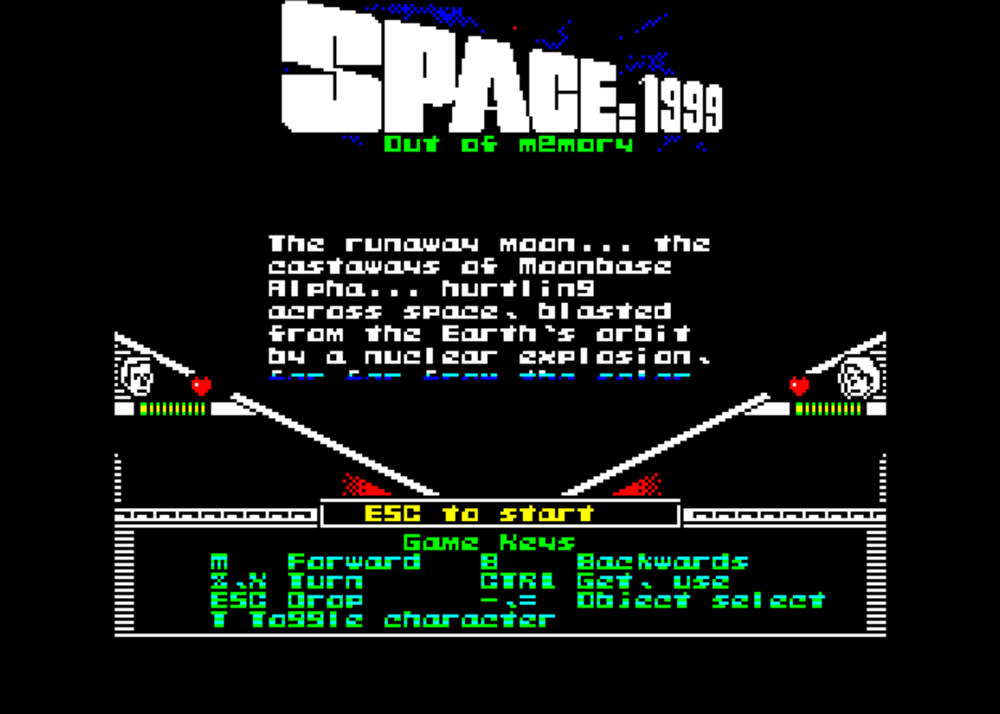
Drifting endlessly through space, Moonbase Alpha encounters a deadly energy cloud. Its radiation threatens the station’s power systems and, with them, human survival. Everyone has been evacuated underground except Captain John Koenig, Dr Helena Russell and the injured Sandra Benes.
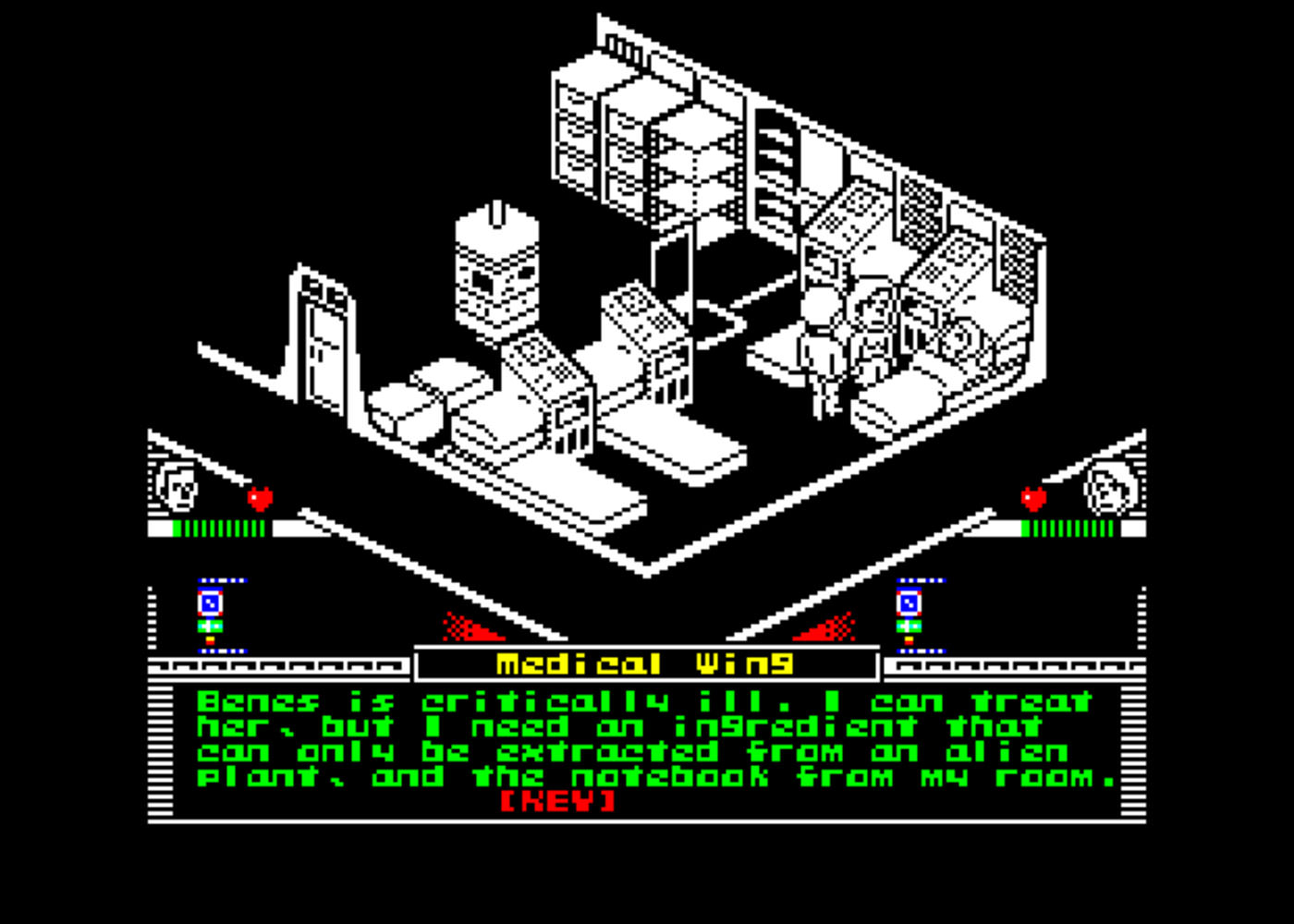
The player controls John and Helena separately. Sandra lies unconscious in the medical bay. Restoring power is the main goal. Emergency backups hold for now, but time is limited. The station’s damaged computer also needs repair, and Sandra’s condition must be stabilised first, as she offers clues between faint breaths.
Small inventory, doors opened by passwords
Division of labour between John and Helena is largely up to the player. John is the default action figure, but Helena can handle tasks just as well. Gameplay revolves around a three-slot inventory and passcodes that unlock doors.
These passwords are scattered throughout the base. Each character has a communicator to store them, and choosing who collects which code carries some strategy, although I never felt it could trap the player. Codes cannot be exchanged between characters, even though Helena hands one to John at the beginning.
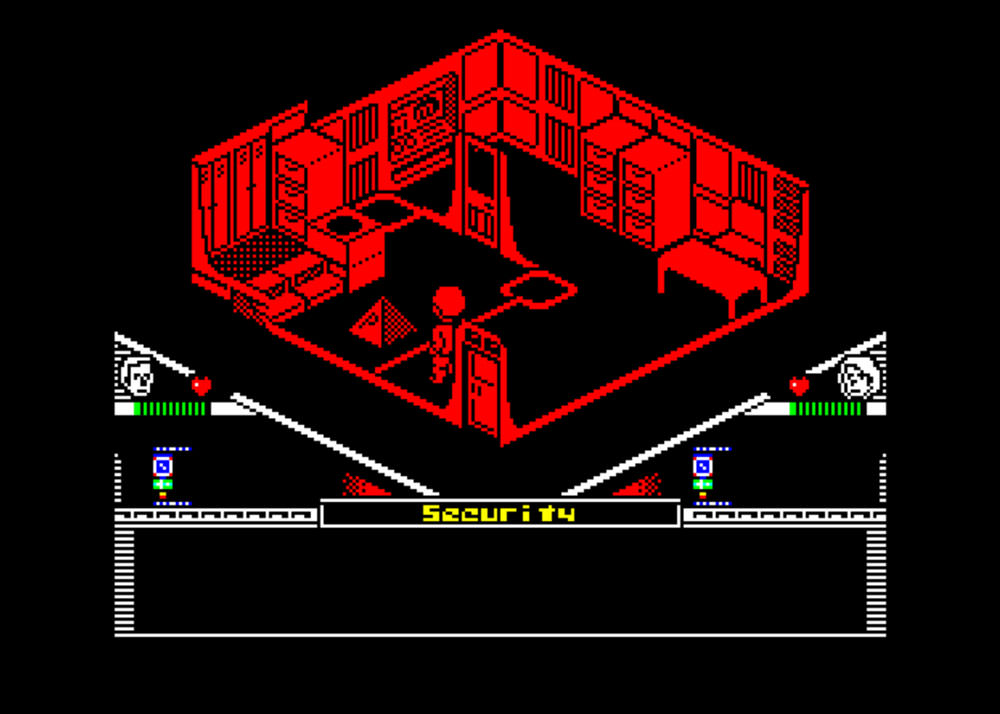
There are only a dozen or so useful items, not many, yet combined with locked doors they form a surprisingly long experience. Space 1999 fits on a single diskette, which feels like an achievement. Memory use is finely optimised. Because the inventory holds only three items, spare objects must be dropped anywhere on the floor.
The challenge of a large station
The game world spans four floors of the base, differing in shape and size. Floors connect by elevator. It took time to learn the layout. Without the map included in the download package, and even with it, failure on the first or second attempt is likely.
Many rooms are empty: no items, no passcodes, nothing vital. Yet to complete the game, the station must be searched thoroughly. Time pressure prevents free wandering, so planning becomes essential.
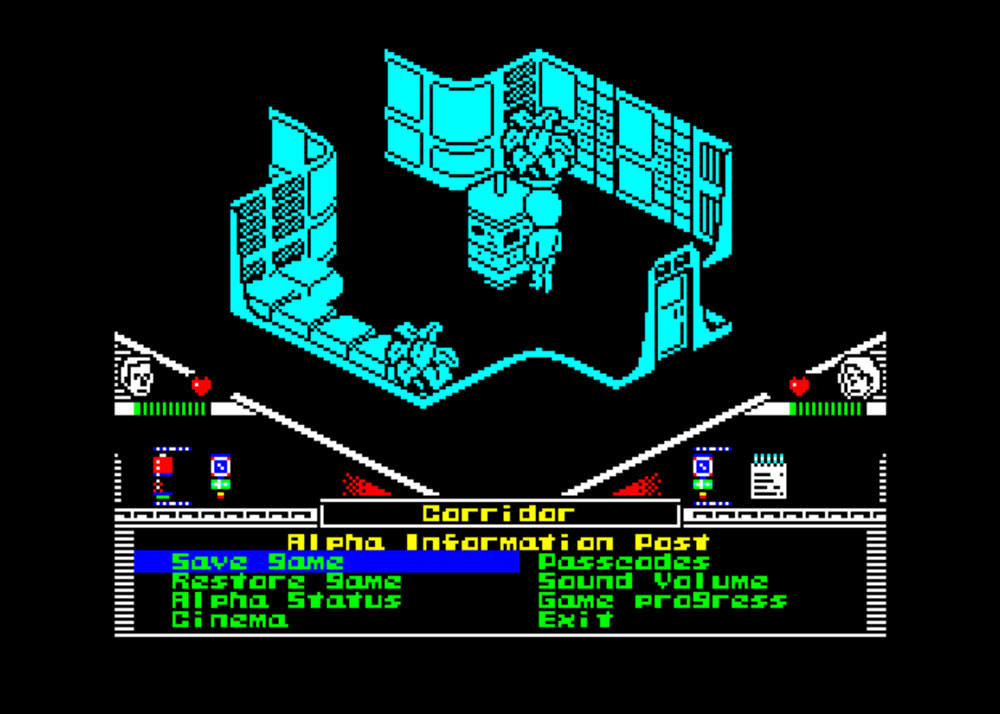
The game has only one save slot, meaning every save replaces the previous one. Emulators allow snapshot saves to bypass this, but I avoided them. It took several runs to reach the end. Late puzzles were tougher than earlier ones and required more thought. Death is possible before power fails.
Looks and sounds beyond expectation
The character sprites do not resemble the actors from the series, but in a pleasant way. Movement speed varies depending on tile density and on-screen activity. Footsteps sometimes speed up or slow down, and the little rhythmic tapping became part of the charm.
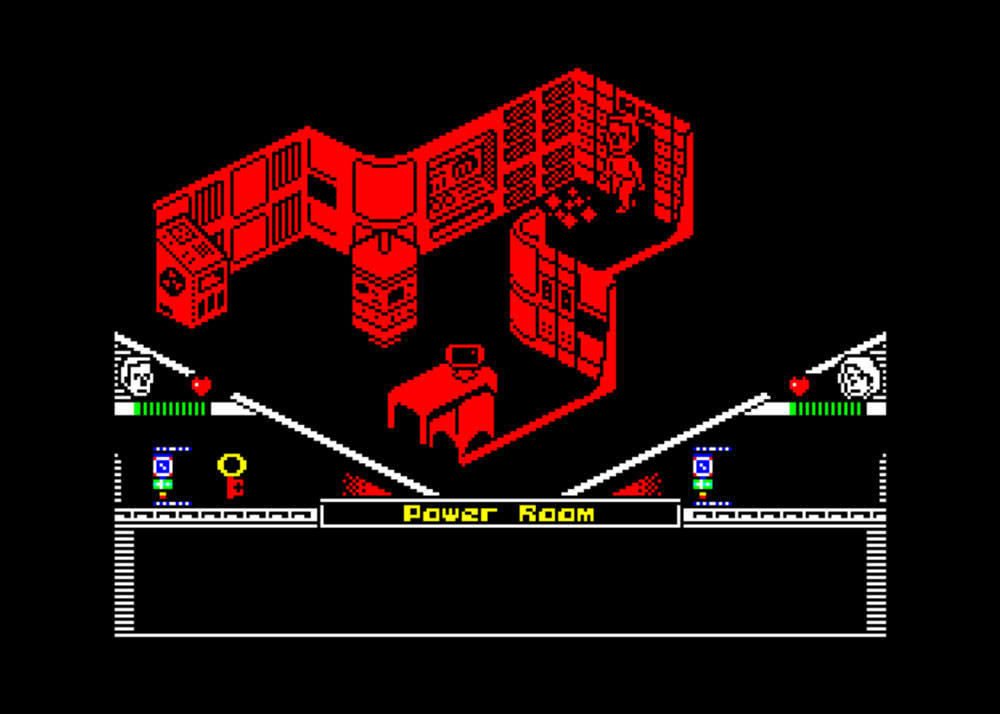
Controls are keyboard-based. The isometric projection shapes movement: the character must rotate into one of four directions before moving. Automatic obstacle avoidance is limited, and at first I bumped into walls often. The more I played, the more patient I became. The game nudged me from modern impatience toward 1980s endurance, and the shift felt oddly natural.
Room graphics reuse familiar tiles, yet variation is enough and repetition suits a space station. Rooms typically use one or two colours besides the draw colour. Inventory icons show a richer palette and are easier to read than objects in-room.
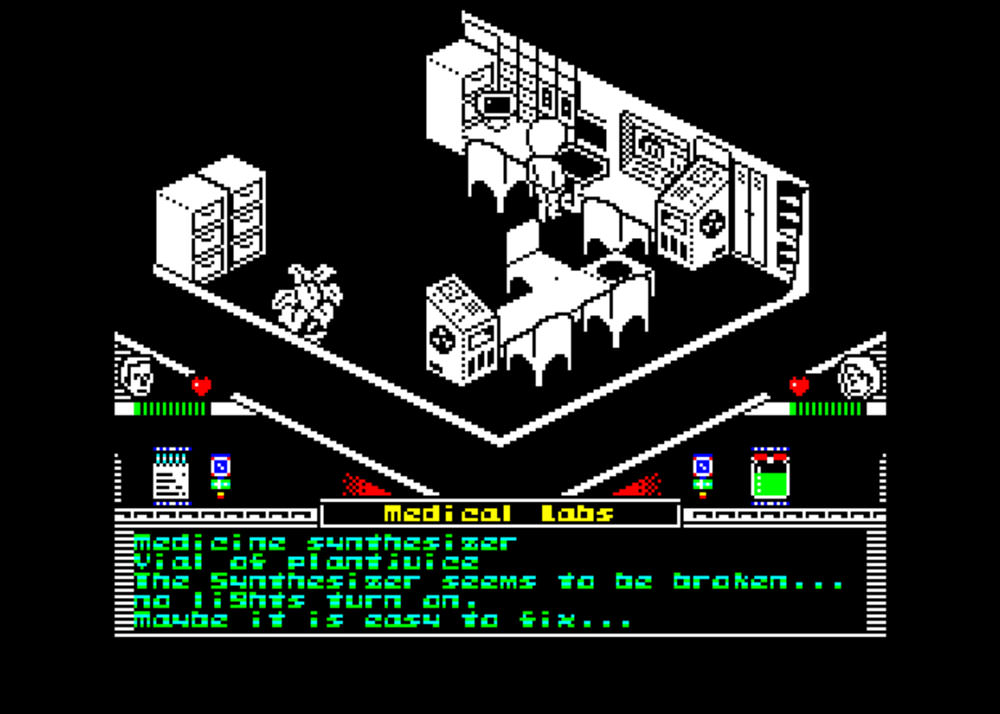
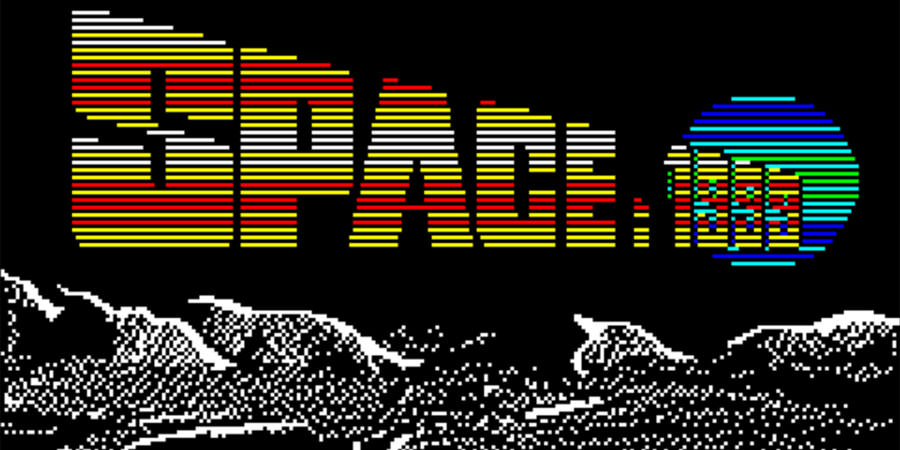
The music is memorable in its own right, accompanied by fine ambience and effects. I may not start listening Oric tracks as I do C64 tunes, yet the experience left an impression. The intro, which pays homage to the series, also deserves mention.
Verdict
My first thrill for Space 1999 survived to the end. Its simple mechanics rely on access codes and a small number of items. With limited memory and sparse components, the result is surprisingly accomplished and absorbing. Constraints become a style rather than a weakness. Space 1999 steps into my personal hall of fame for naive and charming games. My final score is 71 out of 100.
Availability
Space 1999 is available free of charge. I played using Oricutron on Windows 10 with no technical issues, and it is likely also fine on Windows 7. On macOS High Sierra I could not get either emulator or game to run. On Windows, Euphoric is another option: see a list of Oric emulators. Naturally, the game runs on real hardware if you have a disk drive and the ability to transfer the image to disk.